
iPhone & Android
Lookout on your phone.
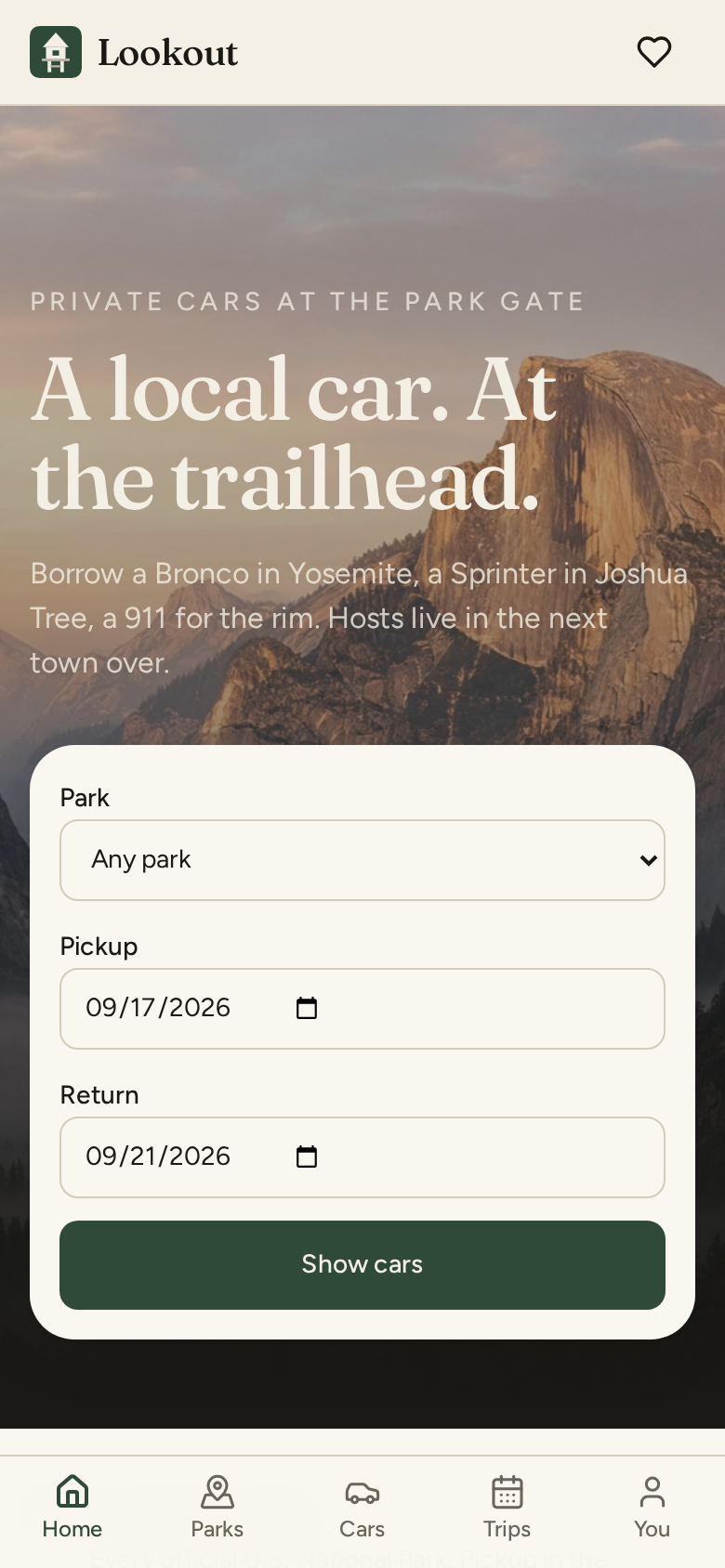
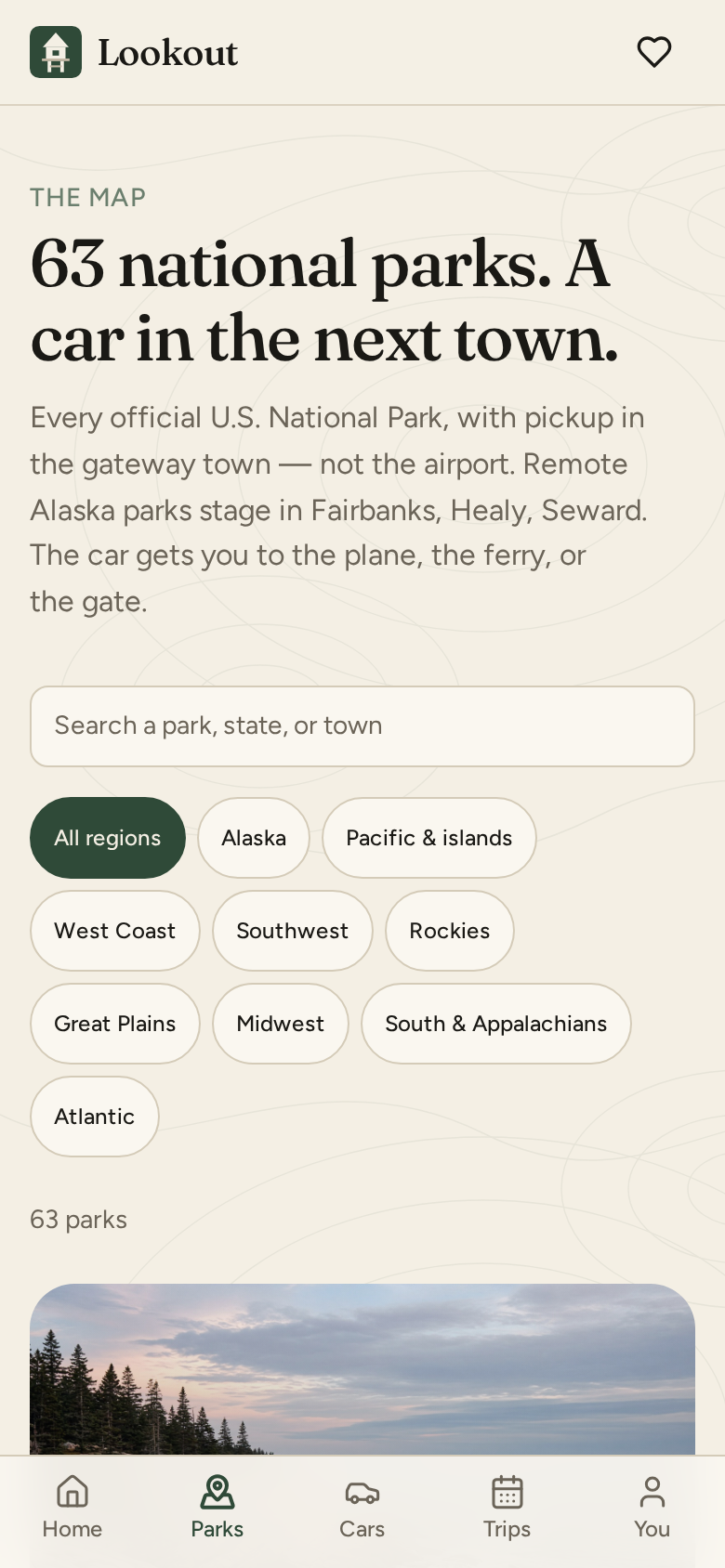
Parks, cars, and trips as a home-screen app. Same account as the website — your bookings and listings come with you.
iPhone
Safari, then the share sheet
- 1. Open Lookout in Safari (Chrome on iPhone cannot install it).
- 2. Tap Share at the bottom of Safari.
- 3. Scroll to Add to Home Screen, then Add.
- 4. Lookout sits next to Messages. It opens full-screen, with tabs at the bottom.
Android
Chrome, then Install app
- 1. Open Lookout in Chrome.
- 2. If you see Install Lookout, tap it.
- 3. Otherwise: Chrome menu → Install app, or Add to Home screen.
- 4. It installs with the Lookout icon. Same account, same trips.
Open Lookout in Chrome on Android to install it on your home screen.